
These guides on xeni.com are available in English and Spanish. Other languages are coming soon.
Tidio keeps the installation code under Settings, then Live Chat, then Installation. Copy the code from the Manual install tab. Official steps: Install Tidio on your website.
1. Sign in
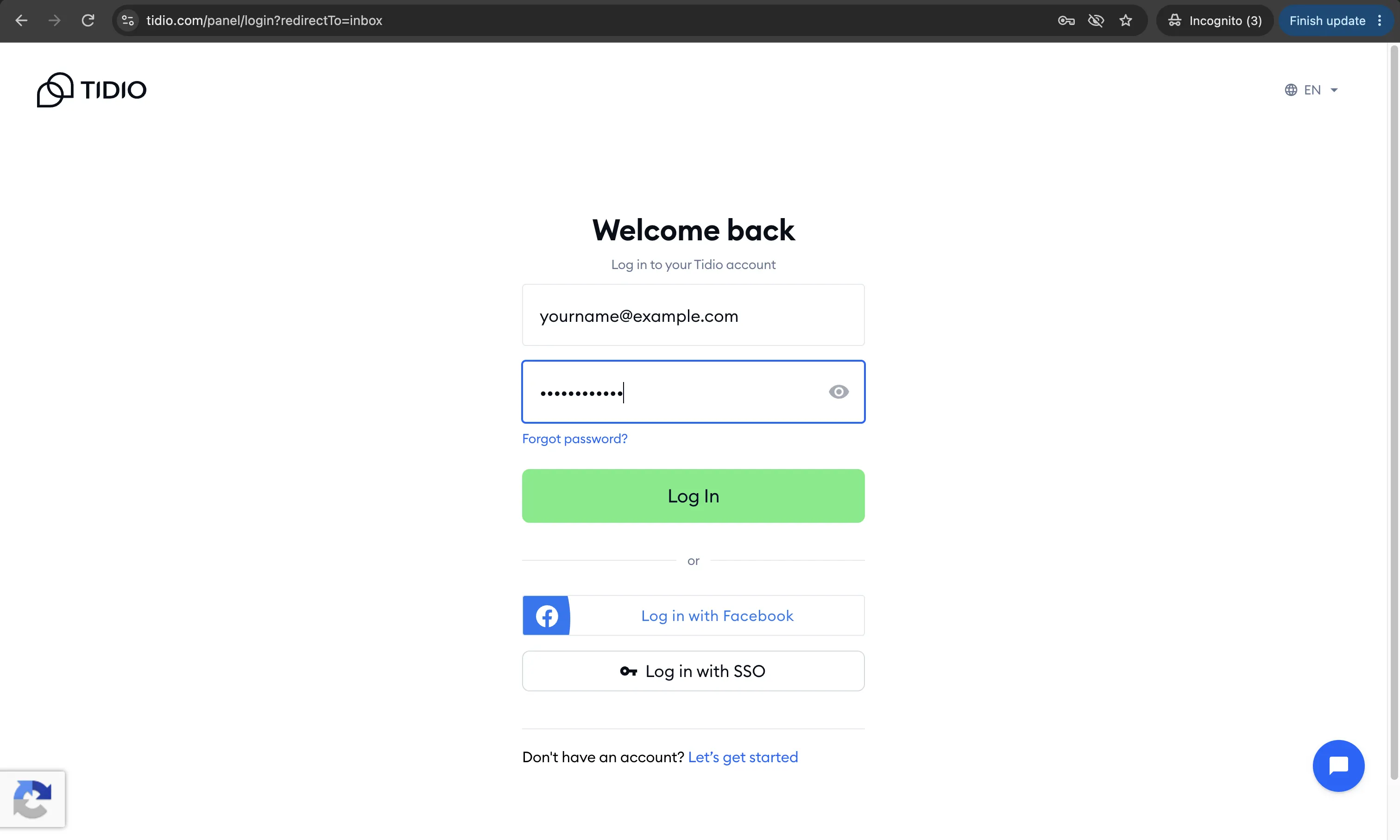
Open Tidio and choose Log in. Use the account that owns the chat project for this agency. If you are new, choose Get started and finish creating the project before you look for the code.
2. Open Installation
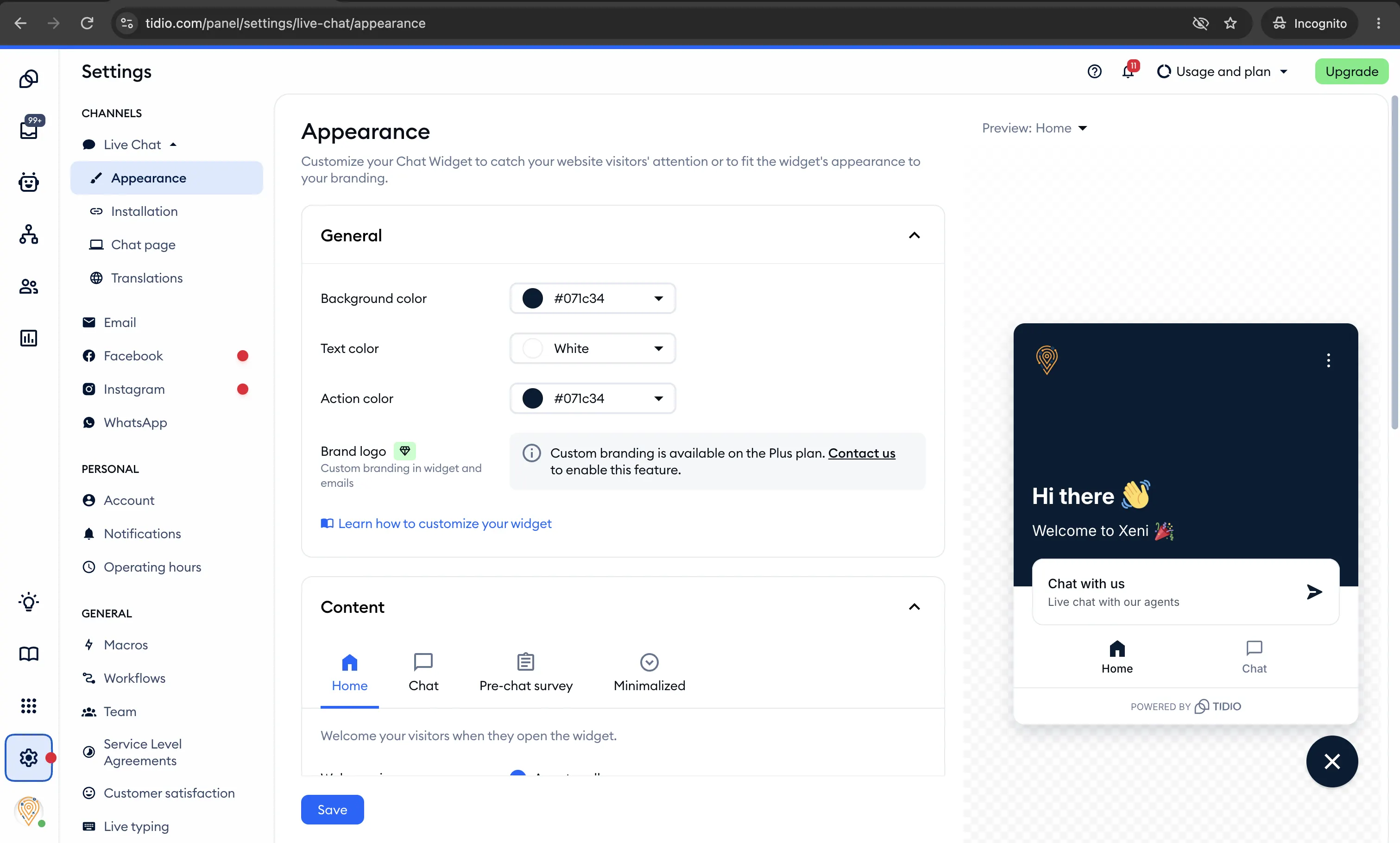
In the Tidio panel, open Settings, then Live Chat, then Installation. If the code is hidden, open the code section.
3. Copy the Manual install code
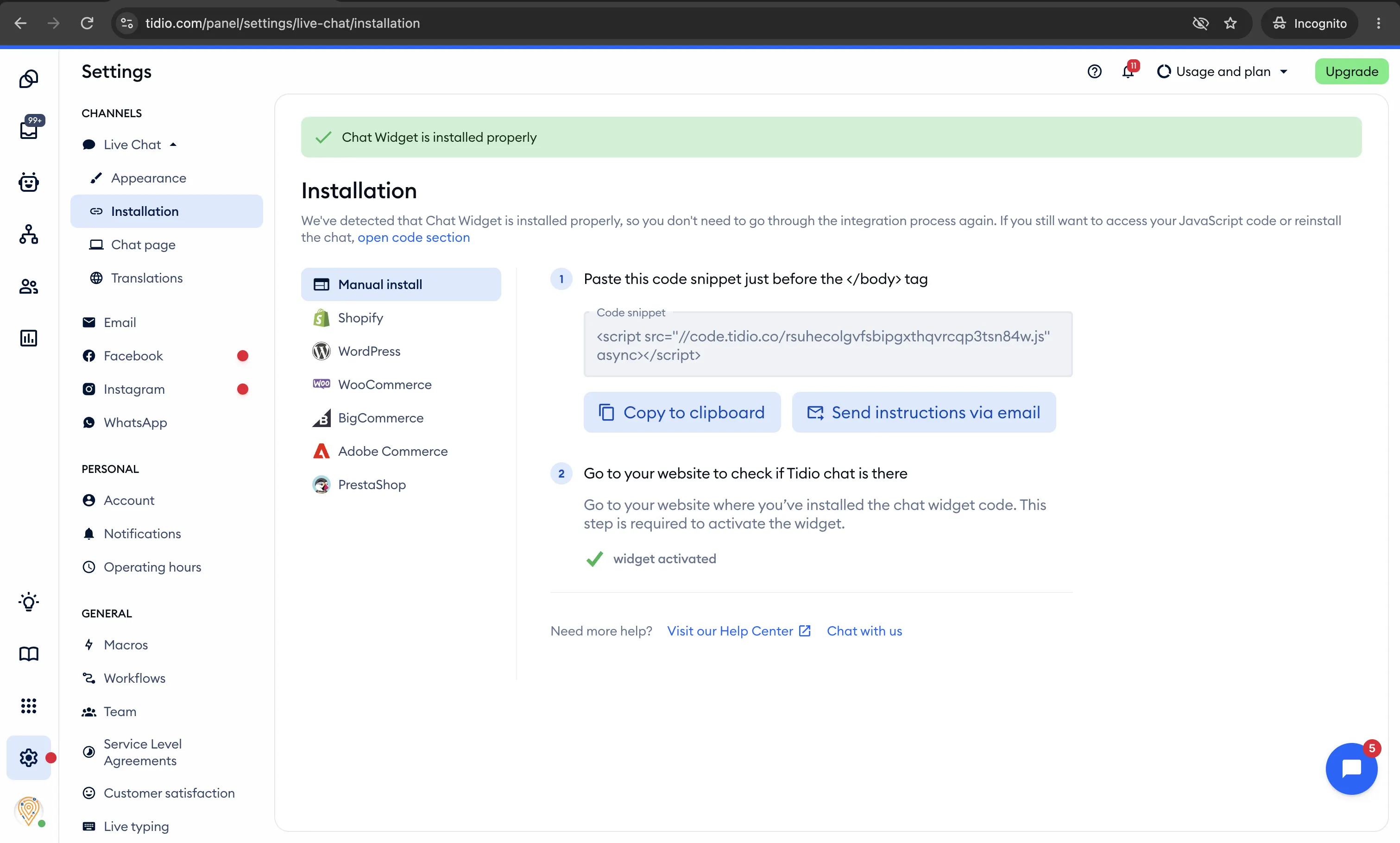
Stay on the Manual install tab. Select Copy to clipboard. The code points at code.tidio.co and ends in your public key plus .js. That public key is the only value Xeni stores.
You can confirm the same key under Settings, then Developer, then Project Data. Do not install the WordPress, Shopify, or other plugin on the same site as this code.
4. Paste it in Xeni
In Command Center, open Marketplace, then Chatbot, then Tidio. Paste the installation code or the public key and save. Return here if you want the screens again, or schedule a setup call if this still feels complex.